Available · Jewellery
A closer look at every detail.
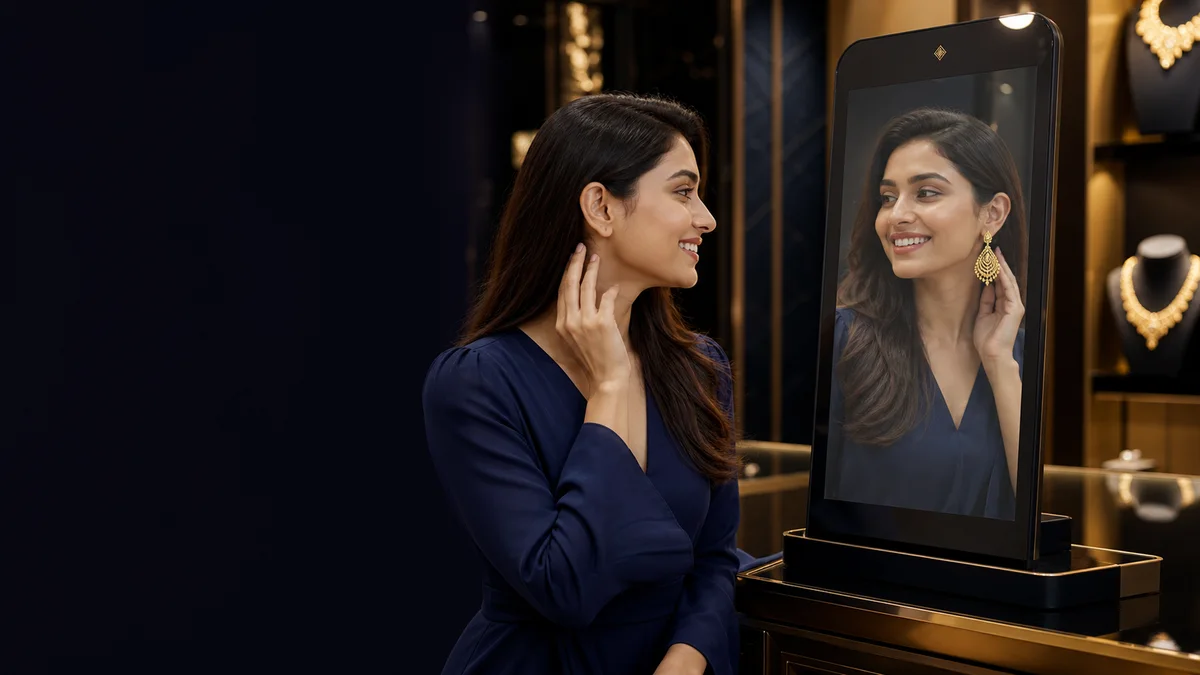
Your branded QR catalogue, live camera preview, product fitting controls and customer shortlist.
Explore jewelleryVirtual try-on for physical shops and online sellers. Share a jewellery collection by QR today. Explore our planned embedded experience—right beside the products on your website.
Available today: jewellery QR catalogue and browser try-on.
Fashion, eyewear and
direct website integration are upcoming.
Start with jewellery today. Discover where fashion and eyewear are heading next.
Your branded QR catalogue, live camera preview, product fitting controls and customer shortlist.
Explore jewellery
Planned photo-based outfit previews using a customer-supplied full-body photo—not live clothing tracking.
See the fashion direction
Planned face-attached frame previews. Eyewear generation, fitting and customer access are not available yet.
See the eyewear directionReal stock photography—not LOTUX customers, endorsements or generated try-on results.
Three simple steps from product photo to customer preview. AI-generated illustrations explain the jewellery journey; real LOTUX screens are shown below.
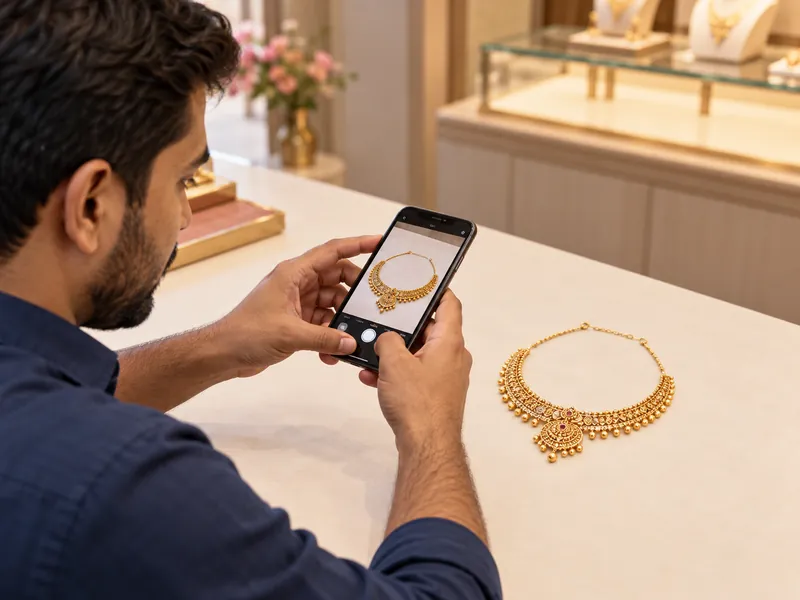
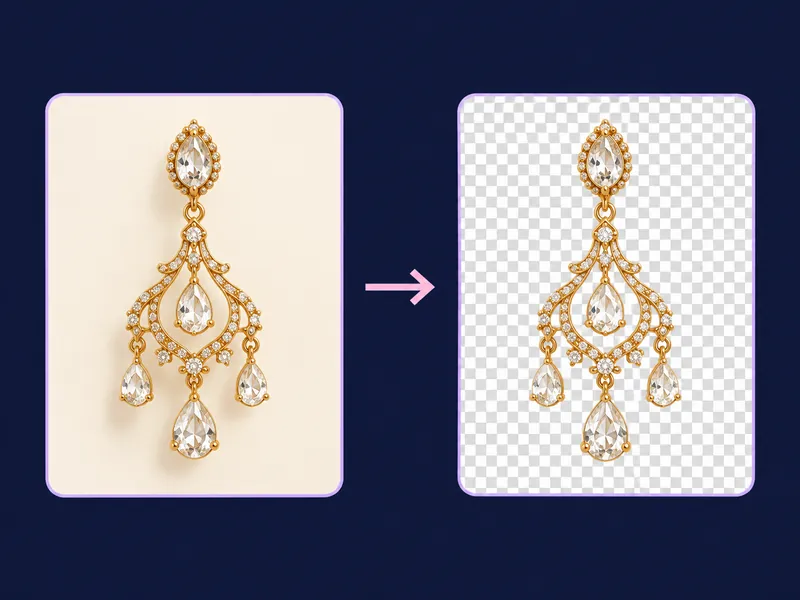
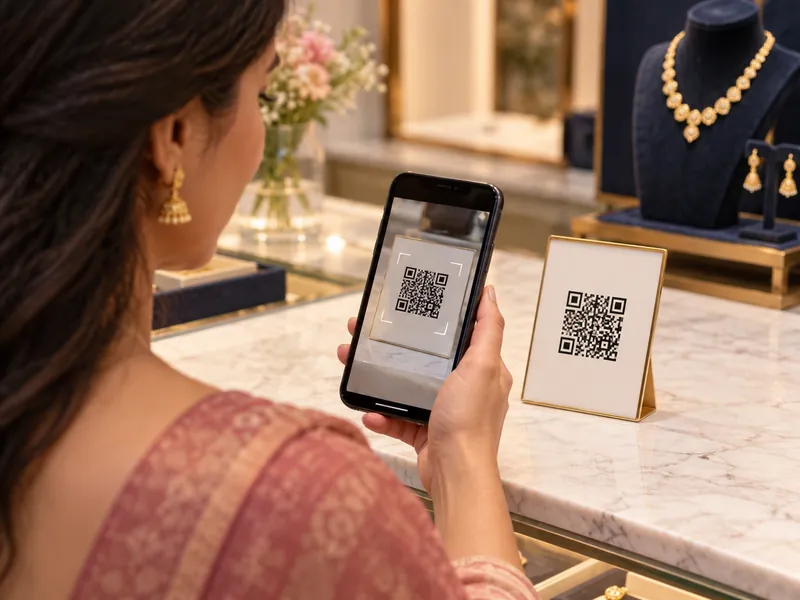
The shop photographs jewellery, uploads it and reviews its prepared asset. A customer scans the shop QR, opens the collection, selects a piece and starts browser camera try-on. Preparation time varies; appearance previews are not measured fit guarantees.
AI-generated scenes illustrate the journey, not actual LOTUX results. See real LOTUX screens below.
Two different journeys, designed around the product. AI-generated concept illustrations—not working LOTUX screens.
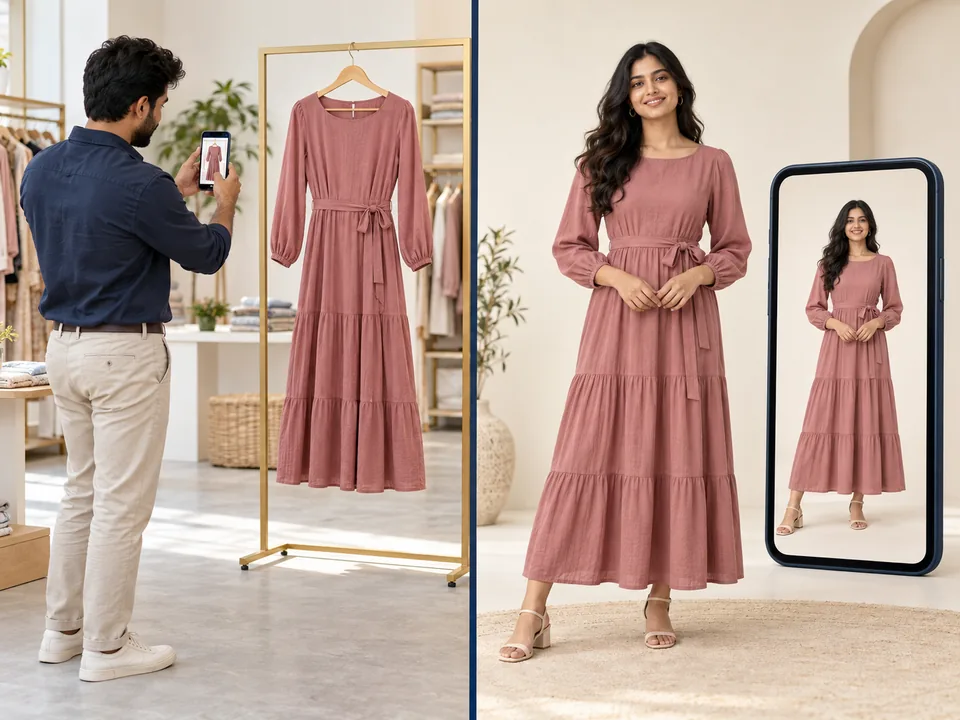
The planned journey: shop uploads clothing → customer adds a full-body photo → selects an outfit → saves the preview. This is photo-based, not live clothing tracking.
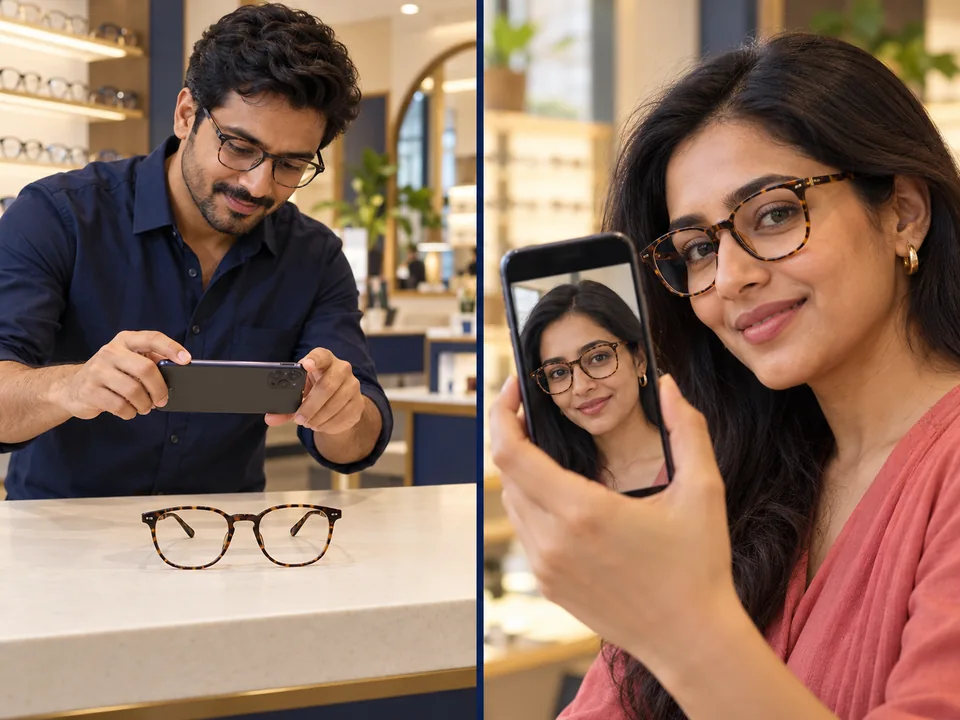
The planned journey: shop uploads frames → customer opens the collection → selects a pair → previews it on their face. Appearance previews are not prescription or measured-fit advice.
Keep your catalogue, checkout, orders and customer accounts. LOTUX’s planned integration adds product preparation and embedded try-on—not another store to manage.
No separate LOTUX catalogue. No mandatory QR. Your customer stays on your website.
No manual photo uploads for website owners. With your authorization, the planned connection scans your existing catalogue photos and prepares eligible products.
Discuss your websiteDiscuss your catalogue and daily customer traffic.
An authorized plugin/API connection, agreed with your team—not a public website scan.
Import eligible products, categories and details from your connected store with permission—no manual photo uploads.
Category-specific preparation and review before a product is eligible.
Beside eligible product photos, or in an agreed place on the page.
An embedded preview; your checkout and purchase journey stay yours.
Estimated initial preparation: 1–2 days. Depends on catalogue size, source-photo quality and review. This is a planning estimate, not a guaranteed turnaround.
Prepare once, reuse. Unchanged products reuse their prepared assets. New photos or product changes require processing and review.
Planned workflow · Not operational. No store platforms or automatic connection are promised.
Concept illustrations of online shopping—not working integrations or actual LOTUX customer results.

Import eligible pieces from your existing catalogue, prepare and review them, then offer a personal preview.

The planned outfit workflow uses a customer-supplied photo—not live clothing tracking. Your checkout stays yours.

A planned frame preview beside the product. Comfort, prescription and physical fit still need checking.
LOTUX-generated images · Website integration is upcoming. No manual re-upload of catalogue photos is intended.
Product-page concepts, built as illustrations—not working store integrations. Open or close each preview to explore the idea. No camera or photo is requested here.
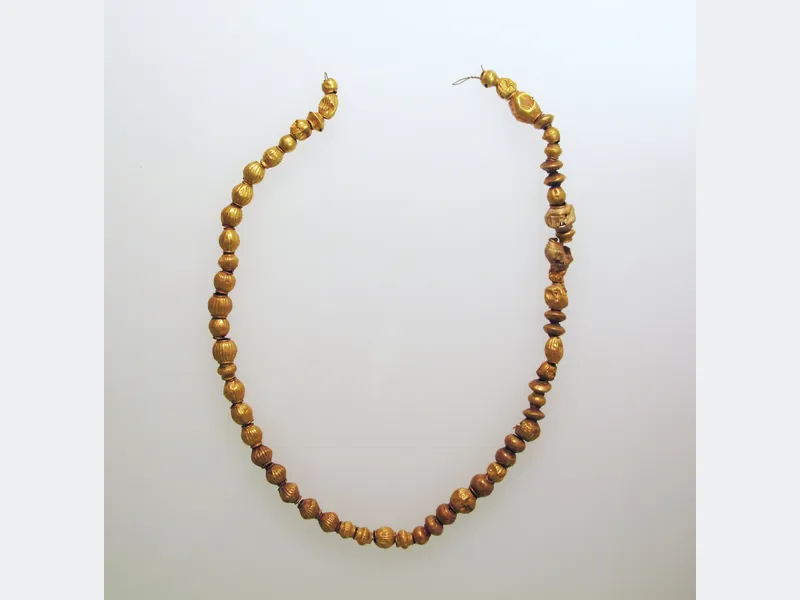
Illustrative inventory · Not for sale here
Your existing Add to bag
Illustrative inventory · Eyewear upcoming
Your existing Add to bag
Illustrative inventory · Fashion upcoming
Your existing Add to bagProduct photography is contextual, not current inventory. These diagrams do not demonstrate physical fit or generated customer results.
Open a sample shop catalogue, choose a piece and try it with your phone camera. No Shop Manager login needed.
Open demo try-onReal LOTUX screens. Practical tools for your shop. A simple experience for your customers.
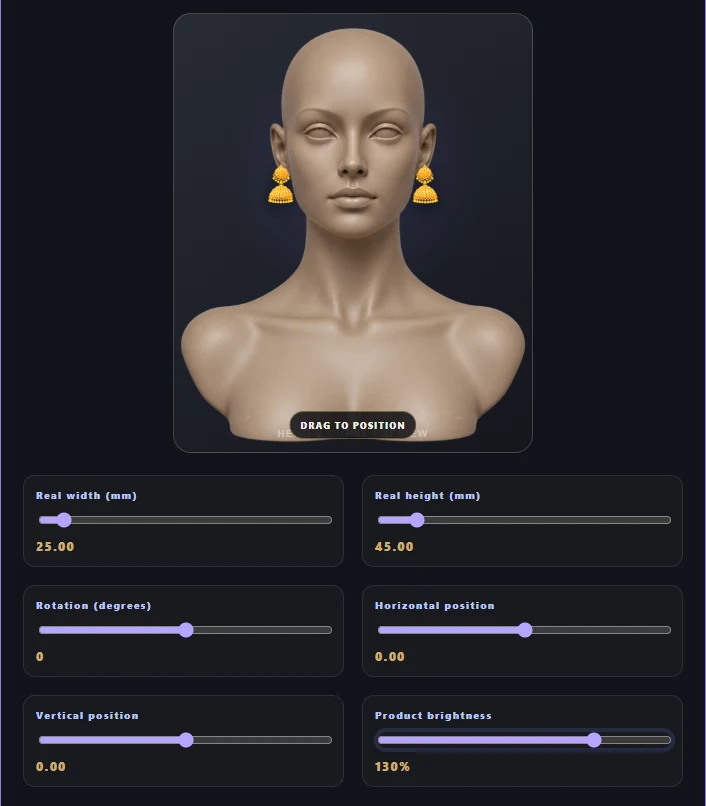
Preview on the dummy. Adjust position and size. Use the Product brightness slider (100–140%) to lift a dim filter without changing the customer's camera image. These are appearance controls, not measured fit. Sample earrings shown; review each product.
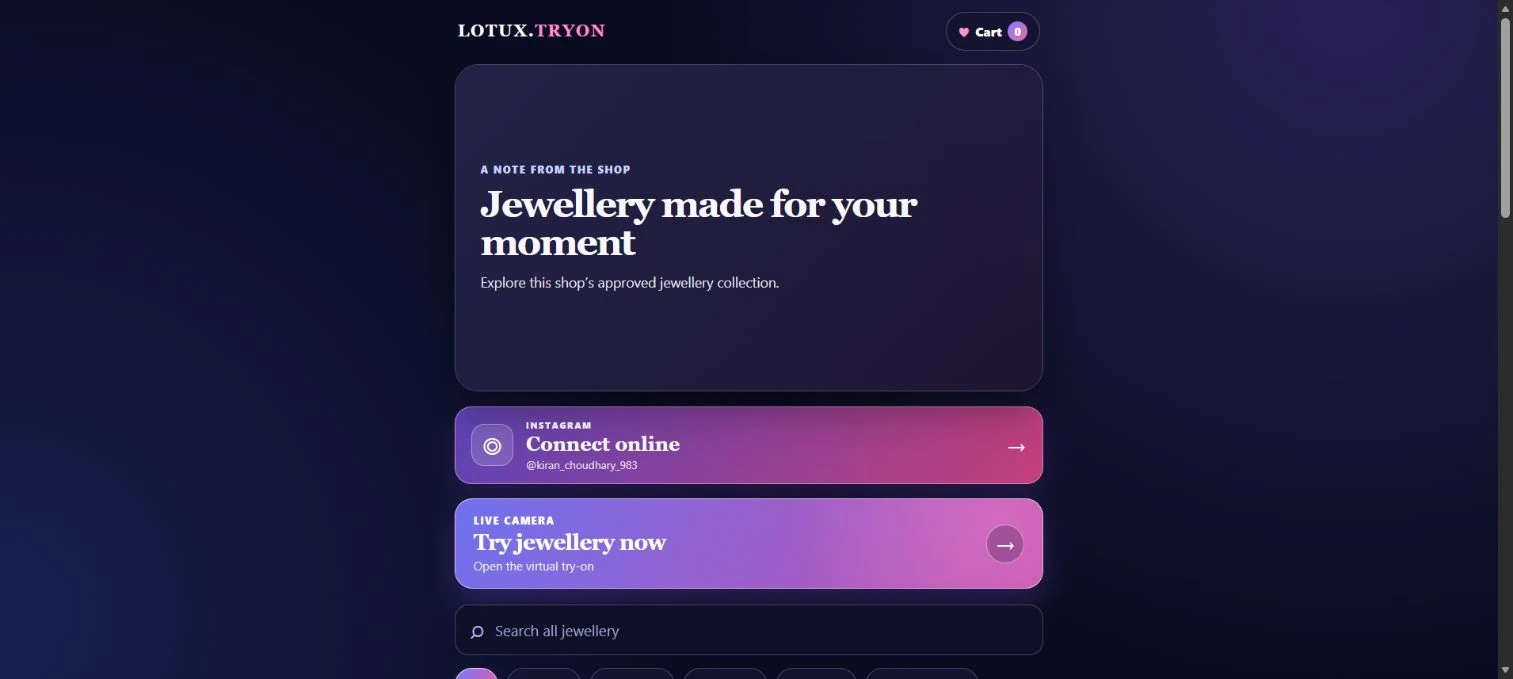
Each QR opens only that shop’s approved products, branding, message and Instagram. Customers can search, filter, save favourites and move straight into live try-on.
Upload a product photo, prepare its transparent try-on asset and control when customers can see it.
Place earrings, necklaces, nose pins, pendants and head jewellery using local face tracking.
Customers browse in batches, search by product and filter the shop collection by category.
Heart favourite products, review them in the cart and save the selected list as a PDF.
Show the shop photo and message, then connect shoppers directly to the shop’s Instagram profile.
Every active shop receives a unique QR, secure Shop Manager access and controlled subscription availability.
See valid QR visits and product interest without storing the customer’s camera video.
Manage shop setup, payment status, access, plans, messages and completed setup history.
Upcoming · LOTUX-managed sponsorships. Clearly labelled brand messages can sit around the shopping experience—not over the customer’s camera. Production advertising is not enabled yet.
One banner at a time, with previous, next and pause controls. Browsing stays in focus.
At most one sponsored card after every 10 products. No ads in the live filter strip.
One dismissible sponsor per visit after a download starts. Never a barrier to saving.
Your shop, your choice. Owner opt-in is required; competitor ads are blocked by default.
Privacy stays central. No Google ad network, advertiser tracking pixels or camera-based ad profiling.
Reviewed before display. LOTUX reviews each campaign revision. Views and clicks are estimates—not guaranteed reach.
Layout illustrations—not live ads. Website sponsorships are also upcoming; revenue is not guaranteed.
Discuss a sponsorshipLOTUX processes the live camera view inside the customer’s browser. Camera frames are not uploaded or stored by LOTUX.
Available jewellery workflow · Fashion and eyewear upcoming
Take a clear, well-lit jewellery product photo.
Add the photo and product information in Shop Manager.
LOTUX creates the product’s try-on-ready asset.
The customer opens that shop’s collection through its QR.
Browse the collection and choose a piece to preview.
The customer tries products live and keeps a shortlist.
Jewellery QR catalogue and browser try-on are available. Fashion and eyewear are upcoming; their illustrations show the product direction, not a working customer experience.
Direct website integration is planned through an authorized plugin/API connection. You keep your existing catalogue, checkout, orders and customer accounts; a separate LOTUX catalogue or QR is not required. Ask our team about your store requirements—the homepage does not activate a connection.
No. It is an appearance preview. Camera perspective, tracking and product settings can affect the result. Check the actual product measurements with the shop.
The current jewellery try-on processes live camera imagery in the customer's browser. Camera frames are not uploaded or stored by LOTUX. Read our camera information for details.
 YOUR SHOP. YOUR WEBSITE. YOUR NEXT CHAPTER.
Start with jewellery today, or ask our team about the upcoming fashion and eyewear experiences or embedded website integration.
Book for your shop ↗